Get UniVault
macOS 14 and later on the Mac, iOS 17 and later on iPhone and iPad. Free for your first 50 items, then one purchase.
Two Mac editions, one of them not a tier
The encryption is identical in both — the same key hierarchy, the same ciphers, the same tests. The direct build adds two things the App Store build cannot contain, because a sandboxed app is not allowed to mount a disk image or disguise itself. That is a sandbox rule, not a difference in how your files are protected.
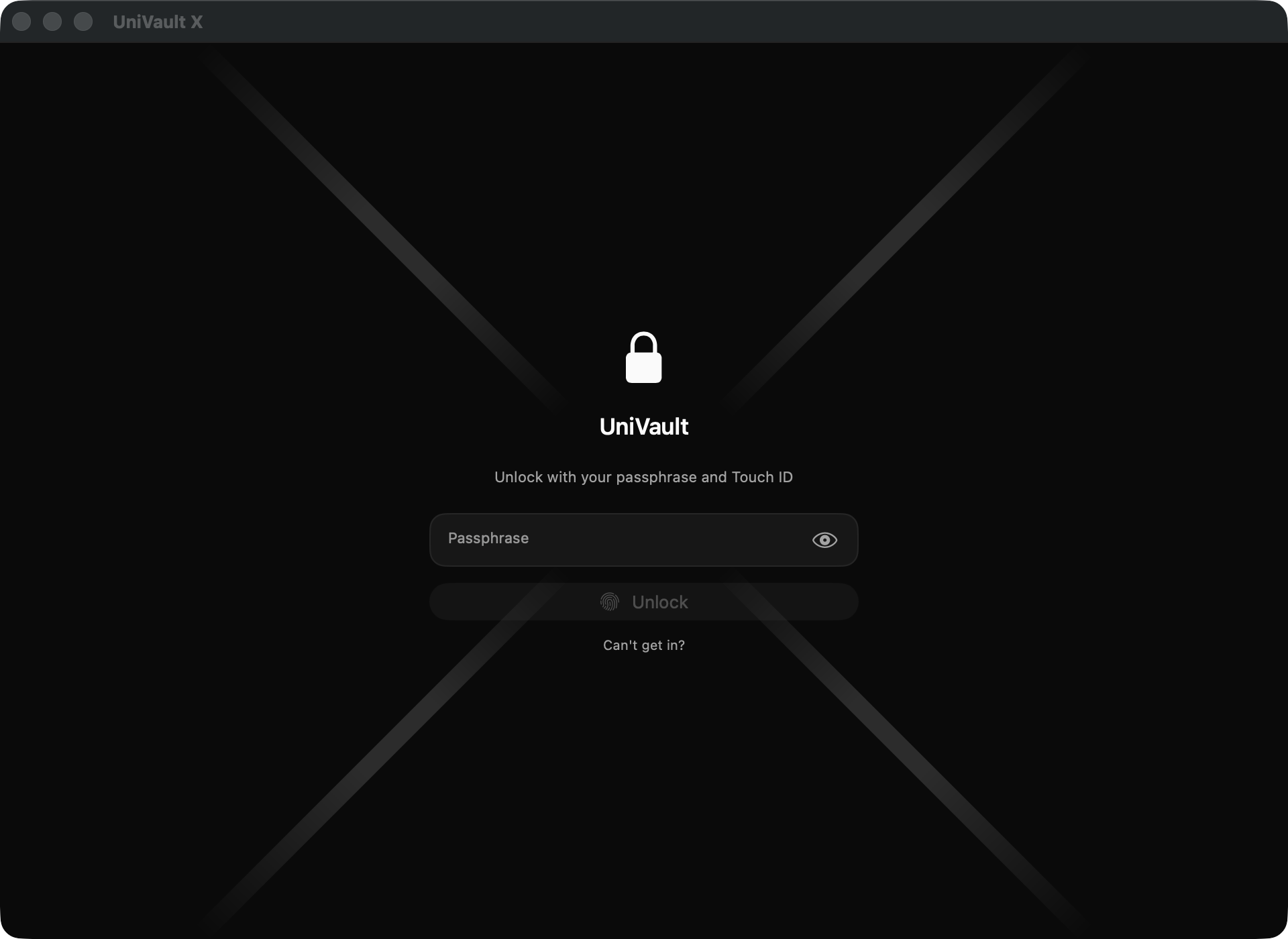
UniVault X — direct download
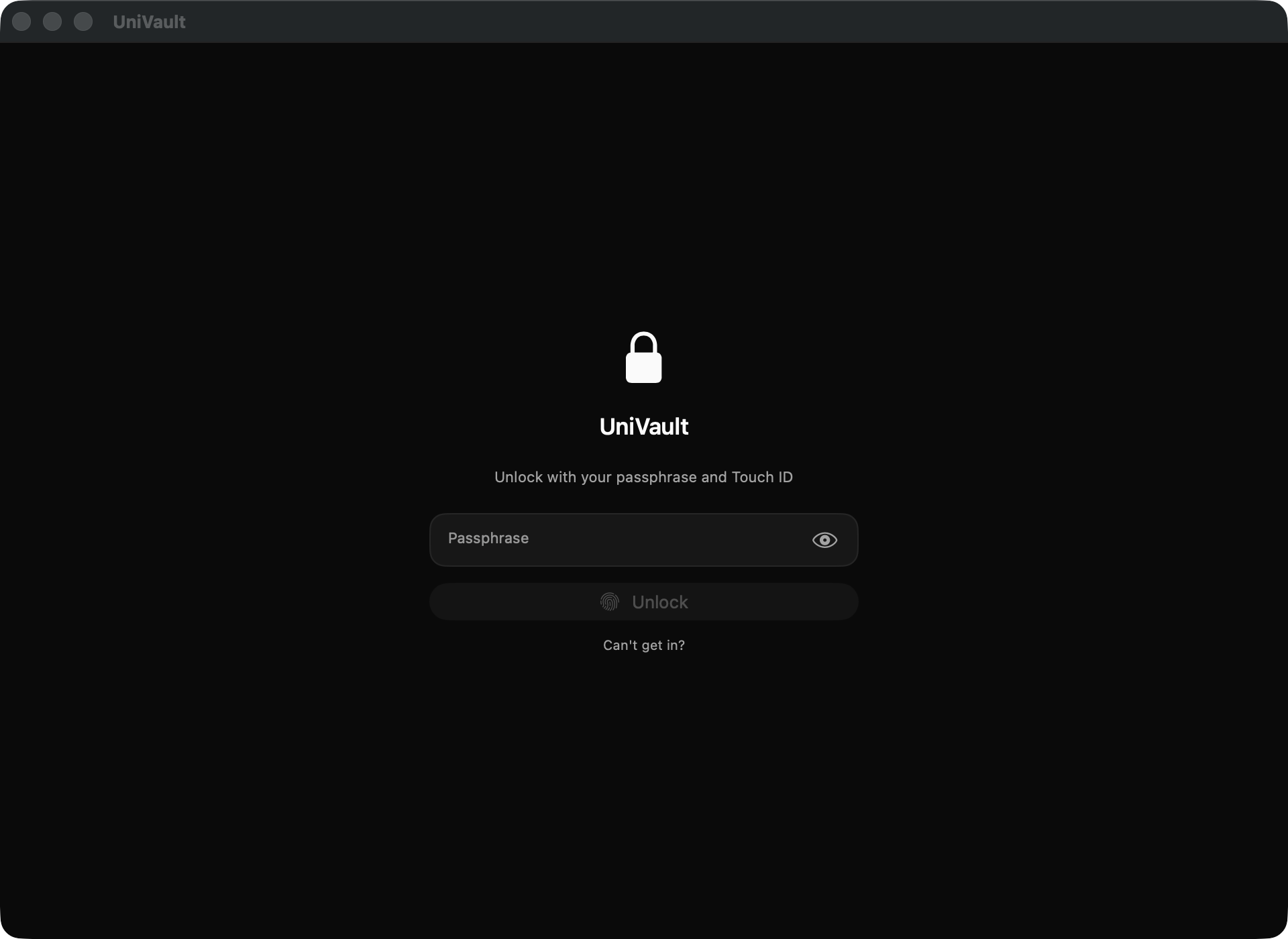
UniVault — App Store
Direct download
UniVault X
A signed and notarised disk image, one universal build for Apple silicon and Intel.
- Encrypted disk image mode — when locked, there is no vault folder to find
- A working calculator that reveals the unlock screen only on a code you choose
- Everything the App Store edition does, with the same encryption
Not published yet
The disk image goes up here the day it is notarised, with its SHA-256 alongside it. Nothing is offered before then.
App Store
UniVault
The sandboxed edition, reviewed by Apple and updated through the App Store like anything else you have installed.
- Same encryption, same recovery key, same threat model
On iPhone and iPad
iOS 17 or later, from the App Store — there is no other way to install an app on iOS, so there is no direct edition and no second set of trade-offs to weigh. Capture straight into the vault and the photo never enters your library at all.
Each device holds its own vault, and its own key. Nothing moves between them by itself — which is the same design choice that means no server has ever held your files.
The first five minutes matter more than usual
Most apps let you postpone the housekeeping. This one does not, and the reason is the same reason to trust it: there is nobody holding a copy of your key, so there is nobody who can put things right later.
Put the recovery key somewhere real
It is shown once, when the vault is created. Put it in a password manager or on paper, somewhere that is not the Mac holding the vault — the clipboard is the easiest destination and the worst one. You will need your passphrase as well; the key on its own does not open anything.
Export an encrypted backup yourself
Nothing copies your vault anywhere. No server holds it, Time Machine is excluded from it deliberately, and iCloud never sees it — so the only copy that exists is the one you export. Exporting is free at any number of items, including past the free ceiling.
Choose a passphrase you will still know in a year
There is no reset and no backdoor, because there is nobody holding a copy to reset it against. The recovery key rescues you from a fingerprint or face change. Nothing rescues a forgotten passphrase except a backup you exported earlier. .
Checking that what you downloaded is ours
Only relevant to the direct download — an App Store install is verified by the store before it reaches you. macOS already refuses to open a notarised app that has been altered, so this is not the only thing standing between you and a tampered copy. It is the part you can check for yourself, which is a different and better kind of assurance.
Confirm the signature and the notarisation:
spctl -a -vvv -t install "/Applications/UniVault X.app"
codesign -dv --verbose=4 "/Applications/UniVault X.app"
The first should say accepted and source=Notarized Developer ID. The second should name UniAuth Inc. as the authority.
Confirm the disk image is byte-for-byte the one we published:
shasum -a 256 ~/Downloads/UniVaultX.dmgThe digest to compare against is published beside the disk image, and appears here, once there is a release.
Artefacts are served from https://vault.uniauth.id/vault-dl as static files.